
What is the Best Music Notation Software in 2026? Top 9 Rated
In this ranking you’ll find a curated selection of the best music notation software: professional scorewriters, free options, online notation tools, and apps for creating sheet music.
Best Music Notation Software
Here’s our selection:
1. Dorico
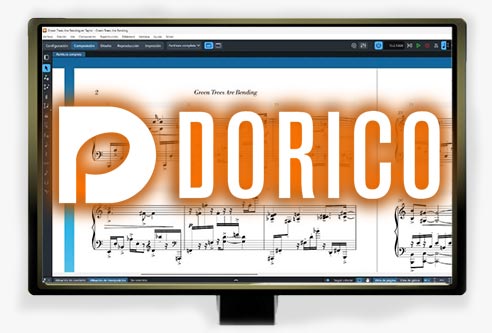
Its playback engine is also one of its strengths, offering DAW-like features including virtual instruments, plugins, and effects support.
View details and download options
2. Sibelius
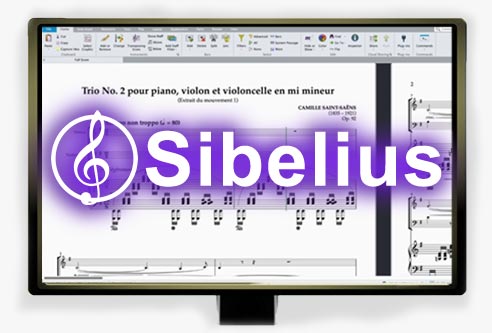
It’s an advanced notation solution with a faster learning curve than most professional scorewriters.
View details and download options
3. MuseScore
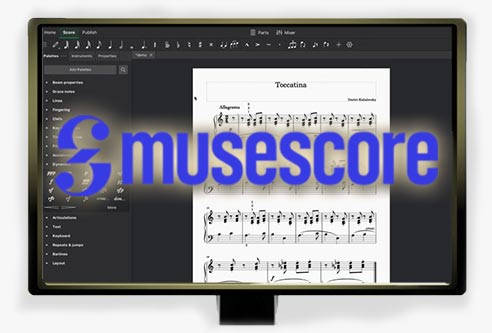
It’s the most recommended option for hobbyists, students, educators, and musicians getting started with notation.
View details and download options
4. Finale
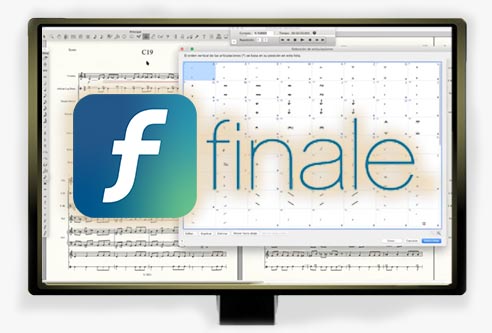
That said, it’s still an excellent scoring tool and many composers continue using it while it remains compatible with their workflow.
View details and download options
5. LilyPond
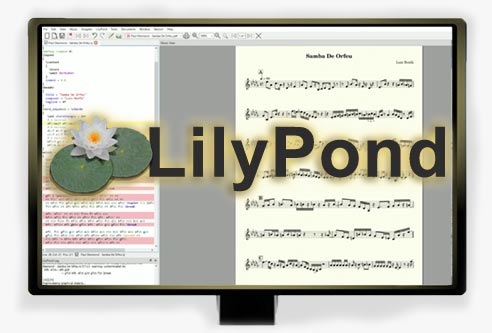
It requires learning its notation language, but produces exceptionally high-quality engraving results valued by professional users.
View details and download options
6. Presonus Notion
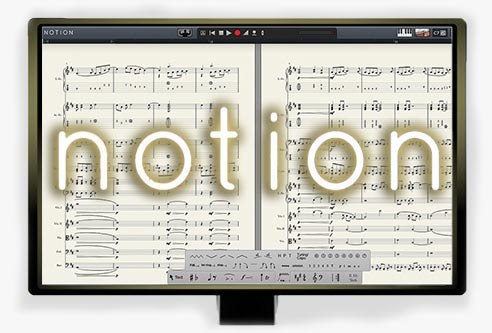
It’s still available and remains a balanced notation solution with a lighter learning curve, though it may feel limited for advanced orchestration workflows.
# Tablet & iPad Music Notation App
7. StaffPad
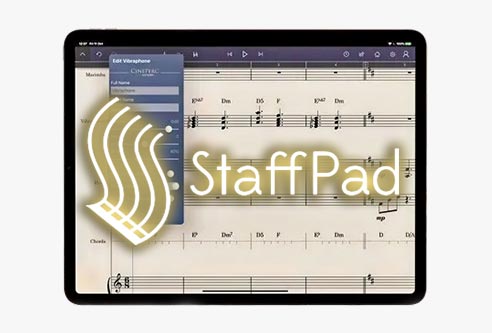
Its biggest advantage is stylus-based handwriting input. Fast, intuitive, and comfortable, though not ideal for extremely large or complex scores.
# Online Sheet Music Maker Tools
8. Flat
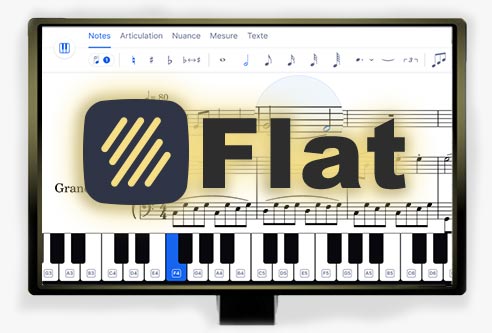
It’s ideal for working quickly without installing software and makes sharing and real-time collaboration very easy.
9. Noteflight
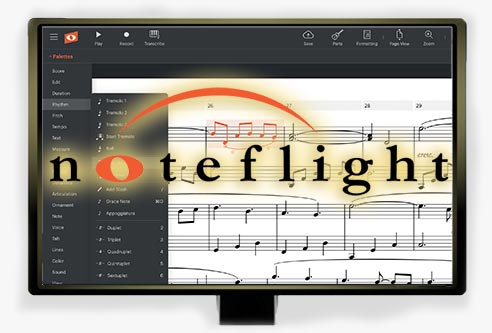
Fast and intuitive for collaboration and classroom use, though playback features are more limited compared to some alternatives (especially in the free version).
Frequently Asked Questions (FAQ)
What is the best free music notation software?
If you’re looking for free sheet music software, several of the tools listed above are strong options. They support full notation workflows, each with different strengths. The most recommended choices include:
- MuseScore: The most popular free scorewriter. Suitable for both simple and advanced sheet music creation, with built-in playback features.
- LilyPond: A free open-source notation system focused on producing professional-quality engraving using text-based input.
- Flat: A browser-based notation editor that allows real-time collaboration and sheet music creation without installing software. Its free version is very capable.
Overall, MuseScore is typically considered the best free music notation software.
What is the best software for writing sheet music?
Depending on your workflow and experience level, different tools may be considered the best sheet music writing software:
- For advanced professional scoring: Dorico and Sibelius.
- For beginners and free notation workflows (up to intermediate level): MuseScore.
- For fast online collaboration: Flat or Noteflight.
- For realistic score playback: Dorico, thanks to its DAW-style playback engine.
Also Check Out:
Other Versions Available:
Programas de Notación Musical [ES] | Logiciels de Notation Musicale [FR] | Software di Notazione Musicale [IT] | Software de Notação Musical [PT-BR]
Share this with other creators










I analyze software, plugins, and AI tools for music and audio.
Leave a Reply